YouTube Subtitle Downloader
Free: 3 video downloads a day up to 1080p. Check in for 2 full-quality downloads, or get a pass from $0.99 for unlimited 4K.
Download the subtitles a public YouTube video already has, in any language YouTube lists for it; if a video has no subtitles, we tell you instead of generating any. It works on videos up to 30 minutes, and files are deleted after 1 hour.
Images
Other files
Subtitles
Choose video quality
Picture and sound are merged when you download the full video. Available qualities depend on what the platform returns.
This quality keeps picture and sound apart. Save the video first, then use Download audio for the matching sound track.
Files download automatically when ready. Refreshing the page keeps this tab's tasks.
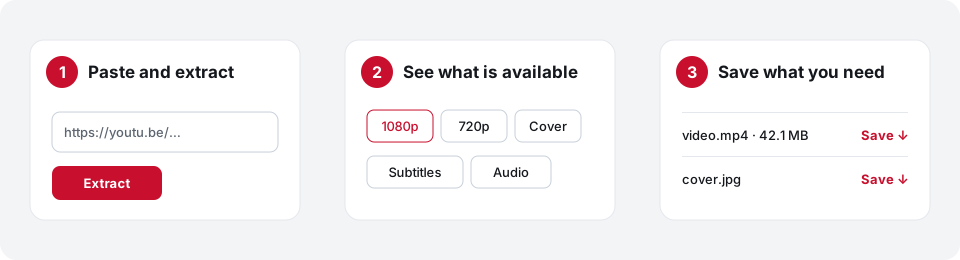
- Paste the YouTube link
Copy the address of a public video that shows a CC button.
- Extract and choose a language
Press Extract, then pick one of the subtitle languages YouTube lists for the video.
- Save the subtitles
Press Download subtitles and save the file.
To save the video itself, use the YouTube & TikTok video downloader.
Frequently asked questions
Why are no subtitles shown?
The video has no subtitles that YouTube shares. We do not create or translate subtitles, so there is nothing to download.
Which languages can I get?
Only the languages listed for that video after you extract it. The list differs from video to video.
Can I get subtitles and the video together?
Yes. After extracting, press Show video and audio options below the subtitles.
Are the subtitles edited?
No. You get the text as YouTube provides it, mistakes included.